Cursor vs GitHub Copilot vs Cody: which is the best AI code editor in 2026?

The “cursor vs copilot” question became a daily debate in dev channels in 2026. And a strong third name entered the conversation: Cody, by Sourcegraph, which combines open source, multi-model and repository context in a way neither Cursor nor Copilot does by default. The choice between the three isn’t trivial, each was built for a different developer profile.
In this article, you’ll find a practical comparison of Cursor, GitHub Copilot and Sourcegraph Cody focused on speed, autonomy (agents), supported models (Claude, GPT, local), workflow fit and real pricing. All based on usage, not marketing material.
Overview: three products, three strategies
Before comparing features, understand each one’s positioning, because it shapes almost everything else.
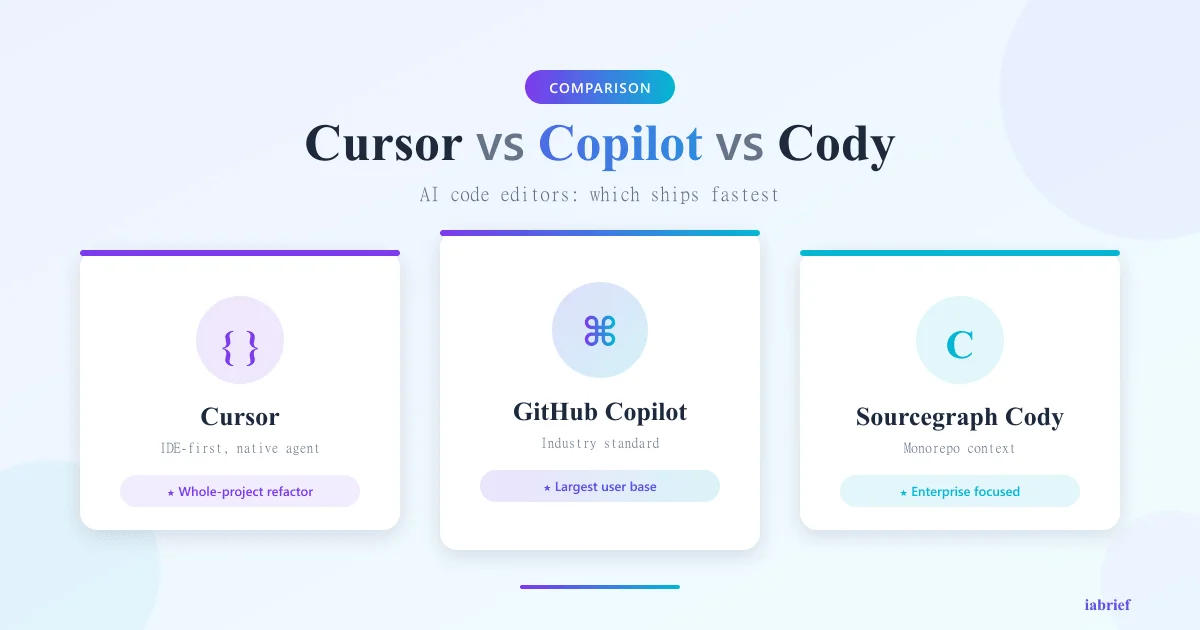
Cursor is a VS Code fork with AI built into the editor’s core. It’s not an extension; it’s a whole IDE rebuilt for AI-assisted programming. Its differentiator is the Composer agent (agentic mode that can edit multiple files, run commands and iterate until the task is done). It’s the most aggressive bet on “AI drives, dev reviews.”
GitHub Copilot is an extension that runs in VS Code, JetBrains, Neovim, Visual Studio and others. Its strength comes from native integration with GitHub, GitHub Actions, Pull Requests and Codespaces. Copilot Workspace and the “Copilot Coding Agent” (launched in 2024-2025) brought agentic mode, but the product still revolves around autocomplete + contextual chat in the editor.
Sourcegraph Cody is a multi-model and partially open source assistant (extension and community-version backend available). Its differentiator is graph-based context: it indexes entire repos and uses that graph to answer questions about giant codebases. It’s strong in companies with legacy monorepos.
Cursor in detail
Strengths
- Composer (agent): edits multiple files, runs the terminal, installs dependencies, tests, all iteratively
- Extra-aggressive tab completion: predicts edits across multiple lines, not just the next one
- Native context awareness: drag files, folders or docs into chat with
@ - Premium models included: Claude Opus, GPT-5, Cursor’s own models, pick per task
- Background Agent mode: runs long tasks (refactors, migrations) without freezing the editor
- Best in-editor UX of the three: diffs, inline proposals, edit history
Weaknesses
- It’s a separate IDE: if you love JetBrains or Neovim, you’ll have to migrate (or use a limited version)
- Cost scales with usage: Pro plans have monthly “fast requests” quota; afterwards it drops to slow queue
- Privacy requires Business+: real “Privacy Mode” only on higher paid plans
- Stability: as a fast-evolving fork, it occasionally breaks popular VS Code extensions
Pricing (2026)
- Hobby: free — limited to a few requests/day
- Pro: US$ 20/month, 500 fast requests + unlimited slow mode
- Business: US$ 40/month per user, Privacy Mode + admin
- Enterprise: contact, SOC2, audit, dedicated models
GitHub Copilot in detail
Strengths
- GitHub integration: PR review, commit suggestions, Actions, Codespaces, all connected
- Works in every relevant editor: VS Code, JetBrains, Neovim, Xcode, Visual Studio, Eclipse
- Copilot Workspace: task planning from GitHub issues
- Coding Agent: agent that opens PRs on its own from assigned issues
- Enterprise maturity: most audited, with most enterprise customers
- Models: Claude, GPT-5, Gemini available on paid plans
- Near-zero curve: install extension and start
Weaknesses
- Less aggressive tab completion than Cursor (predicts fewer lines ahead)
- Agentic UX still behind Cursor: agent runs in background but visual diff integration is less smooth
- Heavy GitHub dependency: for repos hosted on GitLab, Bitbucket or self-hosted, value drops
- Quota and indexing: indexing big repos for context requires Enterprise plan
Pricing
- Free: limited (2k completions, 50 chats/month)
- Pro: US$ 10/month — full individual use
- Pro+: US$ 39/month, premium models (Claude Opus, GPT-5) with more usage
- Business: US$ 19/user/month, admin, policy controls
- Enterprise: US$ 39/user/month, private repo indexing, isolated models
Sourcegraph Cody in detail
Strengths
- Open source (part of the product): you can self-host
- Native multi-model: Claude, GPT, Gemini, Mistral, local models via Ollama
- Graph-based repository context: indexes all code and uses semantic search + symbol graph
- Strong on huge codebases: legacy monorepos, multi-language code
- Runs in VS Code, JetBrains, Neovim (extensions)
- Honest enterprise focus: no cloud-provider lock-in, full self-host support
- Local models: you can run your own LLMs (total privacy)
Weaknesses
- Less polished in-editor UX than Cursor and Copilot
- Agentic mode evolving: not as mature as Composer or Coding Agent
- Smaller community: fewer tutorials, threads and examples
- Self-host setup needs DevOps team: only worth it for big companies
Pricing
- Free: individual chat with basic models
- Pro: US$ 9/month — individual use with premium models
- Enterprise Starter: US$ 19/user/month, repo indexing
- Enterprise: contact, self-host, dedicated models, SOC2
Head-to-head comparison
| Criterion | Cursor | GitHub Copilot | Sourcegraph Cody |
|---|---|---|---|
| Type | IDE (VS Code fork) | Extension | Extension + backend |
| Tab completion | Excellent (multi-line) | Good | Average |
| Autonomous agent | Composer (mature) | Coding Agent (good) | Evolving |
| Supported models | Claude, GPT, own | Claude, GPT, Gemini | Multi (incl. local) |
| Compatible editors | Own (VS Code fork) | Almost all | VS Code, JetBrains, Neovim |
| GitHub integration | Good (standard Git) | Native total | Good |
| Repo context | Good (local workspace) | Average (needs Enterprise) | Excellent (graph-based) |
| Open source | No | No | Partial |
| Self-hosted | No | Limited (Enterprise) | Yes (full) |
| Paid entry price | US$ 20/month | US$ 10/month | US$ 9/month |
| Learning curve | Medium (new IDE) | Minimal | Low |
Speed and autonomy: who codes faster?
In informal tests with real tasks (refactor an Express route, add an endpoint, fix a bug in mid-size TypeScript code), the agentic-flow speed ranking in 2026 is:
- Cursor Composer, finishes multi-file tasks with the least intervention
- GitHub Copilot Coding Agent — opens decent PRs from issues but needs more review
- Cody, still behind on autonomous execution, but excellent at explaining existing code
For pure autocomplete (no agent), Cursor leads by a visible margin, Copilot ties in some cases, Cody is third.
When to use each one
Use Cursor if you:
- Don’t mind switching IDEs (or already use VS Code)
- Want the best agentic experience available in 2026
- Work on greenfield projects or large refactors
- Value aggressive tab completion and inline diff UX
- Are willing to pay US$ 20-40/month for productivity
Use GitHub Copilot if you:
- Have GitHub at the center of your flow (PRs, Actions, issues)
- Work in JetBrains, Neovim or Visual Studio and won’t migrate
- Your company needs audited enterprise maturity
- Want minimal curve: install and use
- Need an agent integrated with issues/PRs
Use Sourcegraph Cody if you:
- Work in a giant enterprise codebase (monorepo, legacy code)
- Need self-hosted or local models for privacy
- Want multi-model flexibility without lock-in
- Value semantic navigation more than autonomous agent
- Your company doesn’t use GitHub (or uses it but runs Sourcegraph)
What about mixed teams?
In big teams, it’s common to combine tools:
- Cursor for devs who adopt new tools fast and do agentic refactor work
- Copilot for devs in JetBrains/Neovim and for GitHub workflow integration
- Cody for architects and seniors needing deep navigation of legacy code
It’s no problem to use two, the productivity ROI pays off for senior devs.
Conclusion: depends on what you value most
If the question is “cursor vs copilot or Cody?”, the honest 2026 answer is:
- Cursor wins on agentic speed and edit UX
- GitHub Copilot wins on compatibility, GitHub integration and maturity
- Sourcegraph Cody wins on giant codebases, multi-model and self-host
For most individual devs in 2026, Cursor is the strongest pick if you’re willing to migrate IDEs. If you stay in JetBrains/Neovim/Visual Studio, Copilot Pro offers great value at US$ 10/month. If you’re an architect in a big company, Cody Enterprise is what scales on monorepos.
For more comparisons, read our guide on the best AI models in 2026 and our comparison of DeepSeek R1, o3 and Claude, the models powering these tools.
FAQ
Is Cursor better than GitHub Copilot?
For agentic experience and multi-line tab completion, yes. For GitHub integration and IDE compatibility, Copilot wins.
Does Cody pay off in a small team?
Usually not. Cody’s big win is in enterprise codebases. In small teams, Cursor or Copilot deliver faster ROI.
Can I use Claude in Copilot?
Yes. In 2026, Copilot Pro+ and Business offer Claude Opus, GPT-5 and Gemini selectable in chat.
Does Cursor work offline?
No. The models run in the cloud. Cody has a self-hosted option with local LLMs via Ollama.
Which is the cheapest?
Cody Pro at US$ 9/month, closely followed by Copilot Pro at US$ 10/month.
Is it worth migrating from VS Code to Cursor?
If you spend hours in the editor, yes — productivity ROI shows up in weeks. If you code occasionally, stick with VS Code + Copilot.
Article produced in May 2026. Pricing and features based on public data available at publication.
Related reading
To go deeper, we recommend these iabrief articles:
- OpenAI’s $852 Billion Valuation in 2026: The Largest Private Funding Round in History
- Week in AI: agents at work, Gemini in cars and AI beating doctors (May 3, 2026)
- How to Use Google Veo 3.1 to Create AI Videos: Step-by-Step Tutorial (2026)
Official sources
For deeper context, see the official sources and authoritative references below: