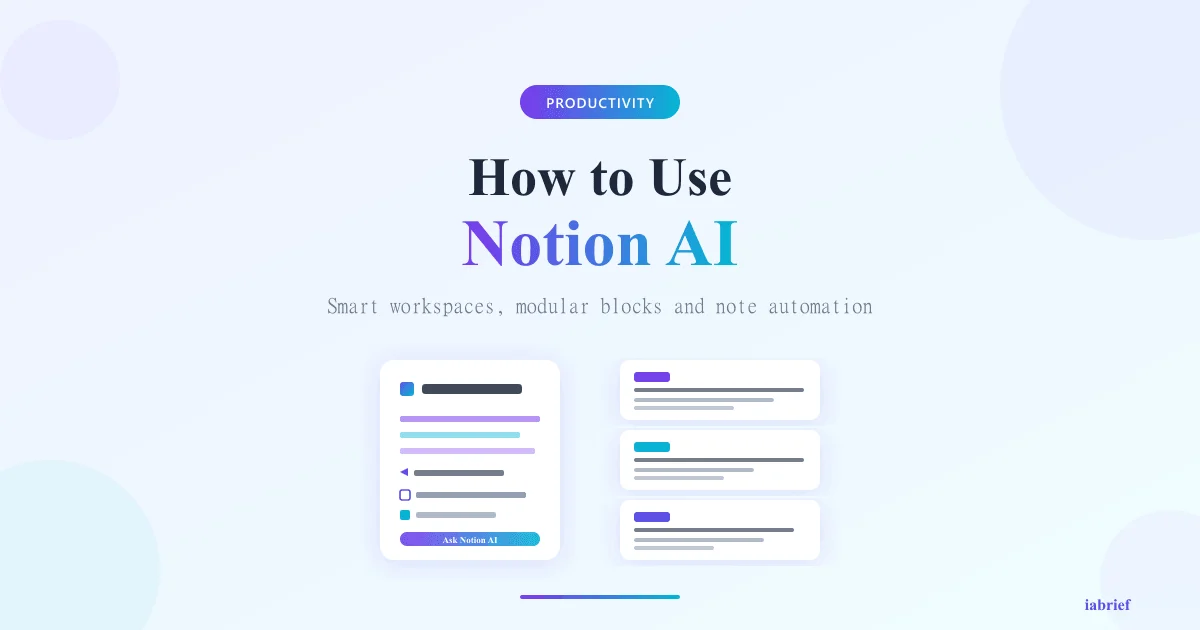
How to Use Notion AI: The Productivity Assistant Inside Your Workspace

If you already use Notion for notes, projects, or a company wiki, you have probably seen the purple Notion AI icon pop up in several corners of the interface. The tool promises to remove the manual work of summarizing long documents, generating tables, translating text, and answering questions about the content of your own workspace.
The real edge of Notion AI is not being “smarter” than ChatGPT — it is being inside the context where you already work. In this guide you will learn, in practice, how to enable the feature, the best use cases, how much it costs, and when it makes sense over a generic chatbot.
What Is Notion AI
Notion AI is an artificial intelligence assistant built directly into Notion. Instead of copying and pasting content across tabs, you invoke the assistant on the page, on a database row, or inside a specific block. It reads the context of your page, your workspace, and even connected pages to produce sharper answers.
Under the hood, Notion AI combines models from OpenAI, Anthropic, and Notion’s own models for different tasks. You do not pick which one runs — the system decides based on the request type (creative writing, data analysis, internal search, translation).
The feature launched in 2023 and, by 2026, evolved into what Notion calls Notion AI Connectors, which let the assistant also pull from Slack, Google Drive, GitHub, and Jira without leaving the page.
How to Get Started With Notion AI
For anyone on a paid Notion plan, activation takes less than a minute:
- Open any page in your workspace
- Press Space on an empty line, or type / to open the command menu
- Select “Ask AI”
- Write your instruction in natural language
The three main interaction modes:
- Ask AI Anywhere: shortcut
Ctrl + J(Windows) orCmd + J(Mac). Opens a floating window to ask anything about the workspace. - Inline AI: inside any block, select the text and click “Ask AI” in the dropdown menu.
- AI Blocks: special blocks (summary, action items, translation) that update automatically when page content changes.
If the feature is not active yet, go to Settings & Members > Plans and add Notion AI to your current plan.
The Most Useful Features Day to Day
Rather than listing everything, here are the five features that deliver the best return per minute spent.
1. Q&A Across Your Own Workspace
This is the most underused feature. You can ask things like “What were the decisions in last week’s product meeting?” or “Which customer reported a checkout bug in October?” and Notion AI searches every page you have access to, citing the sources.
It works best when your pages follow some structure. If your workspace is a chaos of orphan pages, results are weak — spend an afternoon cleaning up before exploring this feature.
2. Automatic Summaries of Long Documents
Paste a meeting transcript, a 20-page brief, or a technical report, select the full text and ask “Summarize”. Notion AI returns a structured summary in bullets, usually with action items separated.
For recurring meetings, creating an AI Summary Block at the top of the page saves a lot of time: it updates itself as you add new notes.
3. Auto-fill in Databases
This is what sets Notion AI apart from any external chatbot. You create a text property in a database, define a prompt (e.g., “Extract the company industry from the customer name”) and Notion fills every row automatically.
Typical cases:
- Classify support tickets by category
- Generate tags from a title
- Summarize a long field into one sentence
- Translate names or descriptions
4. Template and Structure Generation
Ask Notion AI “Build a quarterly OKR template for a 5-person marketing team” and it lays out the full structure: objectives, key results, progress properties, views by owner. You still tweak the details, but you start at 80% done.
5. Translation and Tone Shifting
Select any text, click “Ask AI” and ask to translate to Portuguese, shift to a more formal tone, or convert a draft into a professional email. Very useful for bilingual teams that maintain documentation in two languages.
Notion AI Pricing in 2026
Notion AI stopped being a separate add-on and is now bundled into paid plans starting in 2025. Current structure:
| Plan | Price (per user/month) | Notion AI |
|---|---|---|
| Free | $0 | Limited access (a few questions per month) |
| Plus | $10 | Basic Notion AI included |
| Business | $15 | Full Notion AI + Connectors |
| Enterprise | Custom | Full AI + audit + SAML SSO |
The free tier offers a limited number of responses — enough to try it, not enough for daily use. For real usage, the Plus plan at $10 already covers most individual cases.
Teams that rely heavily on Slack, Google Drive, or GitHub search via Notion AI Connectors need the Business plan.
Real Use Cases
Concrete examples of how teams are using Notion AI in their daily flow:
Product management: meeting transcripts pasted on a page with an AI Summary Block at the top. In seconds, the team has decisions, owners, and next steps formatted.
Customer support: ticket database with auto-fill that classifies severity, category, and suggests a knowledge base article. Cuts triage time by 40-60%.
Content marketing: blog post drafts generated from bullet points, then manually refined. Notion AI does not replace the writer, but it kills the blank page.
Employee onboarding: company wiki with active Q&A. New hires ask “How does the expense approval process work?” and get an answer with a link to the full policy.
If you are building a broader AI strategy on your team, it is worth understanding autonomous AI agents in 2026, which go beyond point-in-time assistance.
Notion AI vs ChatGPT: Which to Choose
The most common question is whether it is worth having both. Short answer: it depends on usage.
| Criterion | Notion AI | ChatGPT |
|---|---|---|
| Context of your workspace | Yes, native | No, you have to paste |
| Auto-fill in databases | Yes | No |
| Open creative generation | Good | Excellent |
| Data analysis / code | Limited | Advanced (Code Interpreter) |
| Base price | $10/month | $20/month (Plus) |
| Image generation | No | Yes (DALL-E) |
If most of your work lives inside Notion (docs, projects, wiki), Notion AI alone solves it. If you do heavy data analysis, complex code generation, or open creative work, keeping both makes sense.
Limitations You Need to Know
Notion AI is not magic. Before moving your entire workflow to the tool, consider:
- Quality depends on workspace organization. Orphan pages, generic titles, and duplicates dramatically hurt answer quality.
- Limited context window. Very large documents (over 100 pages) may be truncated silently.
- Does not replace specialized tools. For heavy statistical analysis, complex code generation, or image creation, it falls behind dedicated solutions.
- Privacy. Workspace data is processed by OpenAI/Anthropic models. For highly sensitive data, evaluate Enterprise with extra controls.
- Cost scales fast. Large teams end up paying significantly — for 50 users on Business, that is $9,000/year on Notion alone.
Tips to Get the Most Out of It
A few practices that separate casual users from power users:
Be specific in prompts. “Summarize” is generic. “Summarize in 5 bullets focused on decisions and blockers” gives a result three times better.
Use AI Blocks on parent pages. A summary block at the top of a project page that updates based on subpages is a huge visibility win.
Standardize prompt templates inside databases. Instead of each team member inventing their own prompt, create 3-5 validated prompts as default properties.
Use the Connectors. If you are on Business, connecting Slack and Google Drive turns Notion into the company’s single point of search.
For content creators, it pays to combine Notion AI with AI tools for SEO — Notion organizes ideas, and dedicated tools optimize publishing.
FAQ
Is Notion AI free?
There is a free tier with a monthly response limit, only enough to try the tool. Real usage requires the Plus plan ($10/month per user) or higher.
Can I use Notion AI offline?
No. Since processing happens on Notion’s servers (which call OpenAI and Anthropic), the feature requires an active connection.
Does Notion AI read every page in my workspace?
Only pages you have access to. Individual permissions are respected — the assistant does not return information from other people’s private pages.
Does Notion AI replace ChatGPT?
For tasks inside your workspace context, yes. For open creative generation, heavy data analysis, or image creation, ChatGPT remains superior.
Is data I send to Notion AI used to train models?
No. Notion explicitly states customer data is not used to train AI models, on any paid plan.
Related reading
To go deeper, we recommend these iabrief articles:
- OpenAI’s $852 Billion Valuation in 2026: The Largest Private Funding Round in History
- Week in AI: agents at work, Gemini in cars and AI beating doctors (May 3, 2026)
- How to Use Google Veo 3.1 to Create AI Videos: Step-by-Step Tutorial (2026)
Official sources
For deeper context, see the official sources and authoritative references below: